
November 24, 2026
Sending Print Mailings Automatically from Your CRM and Marketing Automation
Last updated: 11/2026 | Reading time approx. 7 minutes
Today, print mailings can be sent just as automatically as emails. All you need is a direct mail automation platform like eesii that's connected to your CRM or marketing automation system, for example Salesforce Marketing Cloud or SAP Engagement Cloud. An event in the system, such as an abandoned cart or a sign-up, triggers the personalised mailing. The platform takes care of printing, enveloping and shipping.
In this article, you'll learn how the process works technically, which systems can be connected, which triggers have proven effective and what to look out for when implementing it.
How does automated sending of print mailings from the CRM work?
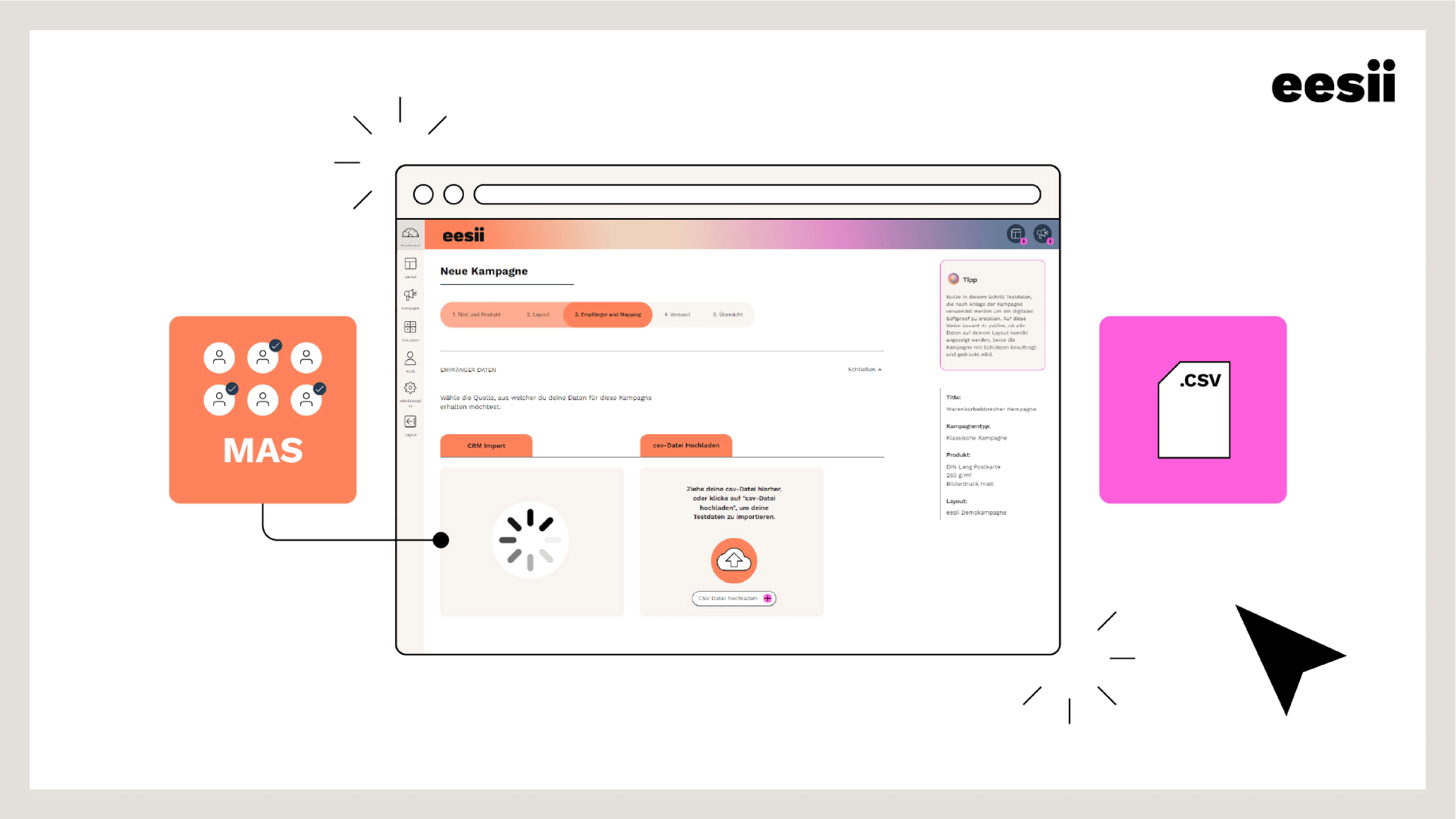
Automatically sending print mailings from your CRM follows five steps: an event in the CRM triggers the process, the customer data is passed to the direct mail platform, the mailing is individually filled with content, then printed and sent. Finally, you evaluate the results. Once it's up and running, there's no manual work involved.
Five steps to an automated print mailing
- Define the event: In your CRM or marketing automation, you decide which event triggers a mailing, for example an abandoned cart, a sign-up, an upcoming contract end or a longer period of inactivity.
- Hand over the data: The system passes the postal address, salutation and personalisation content to the platform. eesii checks the addresses before printing so that undeliverable mailings don't happen in the first place.
- Personalise the mailing: The platform fills the template with individual texts, images, products and voucher codes. This turns one template into a unique mailing for every person.
- Print and send: The platform handles printing, enveloping, franking and handing the mail over to the postal service. You set the delivery date in the campaign.
- Evaluate the results: In eesii, you can see the shipping status, delivery and campaign-specific reports. You attribute responses to the mailing via individual voucher codes, QR codes or personalised landing pages.
Technically, the platform connects to your system via a standard integration as a native plug-in, via an application programming interface (API) or via webhooks. With eesii, a standard integration is usually set up within a few days, and the effort on your side stays low.
Which marketing automation platforms support print mailings?
Print mailings work with most CRM and marketing automation platforms as soon as a direct mail automation platform sits in between. eesii offers 14 standard integrations. These include widely used international systems such as Salesforce Marketing Cloud, SAP Engagement Cloud and Klaviyo, as well as solutions used mainly in the DACH region, such as Dymatrix, Apteco, Maileon and BSI.
The following overview shows which systems eesii connects to as standard and what they're typically used for.
- Salesforce Marketing Cloud (marketing cloud): large enterprises, cross-channel journeys
- SAP Engagement Cloud (customer engagement platform): retail and e-commerce, lifecycle marketing
- Klaviyo (B2C CRM and marketing automation): e-commerce brands
- Dymatrix (customer experience platform): omnichannel marketing in the DACH region
- Apteco (analytics and campaign automation): audience selection, data-driven campaigns
- Maileon (email marketing and automation): omnichannel campaigns for mid-sized companies
- Optimizely Campaign (omnichannel marketing): email, SMS, WhatsApp, push and print
- Voyado (customer data platform): retail with loyalty programmes
- BSI Customer Suite (CRM and CX platform): banks, insurers, retail, energy
- Iterable (communication platform): real-time B2C communication
- Insider One (customer engagement platform): personalisation across all channels
- Hightouch (customer data platform): e-commerce, loyalty or digital business models
- HubSpot (CRM and marketing automation platform): B2B companies and mid-sized businesses, inbound marketing, lead generation and sales automation
- Bloomreach (marketing automation): personalisation across all channels, audience selection, data-driven campaigns
If your system isn't listed, it can be connected individually via API and webhooks. Smaller companies without their own marketing automation suite can also use eesii on its own and manage campaigns directly in the platform.
You'll find a full overview of all partners on our Integrations page.
Automating print mailings in Salesforce Marketing Cloud
In Salesforce Marketing Cloud, you add print mailings as an additional channel to your existing journeys. eesii is available for this on the Salesforce AppExchange. The print mailing is then triggered as a step in the journey, just like an email, and uses the data and segments that already exist in Salesforce.
The integration is native. Setup usually takes just a few days and requires minimal IT effort. After that, you plan print mailings directly in the interface you know, without exporting data or sending files to a printer.
To keep costs predictable despite automation, you set the sending interval and maximum volume in eesii's trigger settings. That way, you know in advance the maximum number of mailings produced in a given period, even if a trigger fires more often than expected.
Typical use cases in Salesforce include:
- Abandoned cart: a print mailing to complement the email reminder if it gets no response
- Welcome mailing: a personal welcome after the first purchase with an incentive for a second purchase
- Reactivation: a mailing to contacts who haven't responded to emails for a long time
One more argument: direct mail also reaches contacts without email consent, as long as they haven't objected to advertising. This expands the audience a journey can reach.
Automating print mailings with SAP Engagement Cloud
With SAP Engagement Cloud, you connect eesii as an additional channel in your programmes. Alongside email, SMS and push, your programmes then also trigger print mailings. You use segments and product data from SAP Engagement Cloud directly for personalisation, with no extra data export needed.
The connection is made via API, webhooks or a native plug-in and is usually set up within a few days.
SAP Engagement Cloud is particularly widespread in retail and e-commerce. These use cases are correspondingly common:
- Second purchase: a mailing a few days after the first order that prompts the next purchase
- Abandoned cart: the abandoned products with images and an incentive to complete the purchase
- Product recommendations: suggestions based on purchase history
- Reactivation: a personal offer for customers who haven't bought anything for a while
Which events work well as triggers for print mailings?
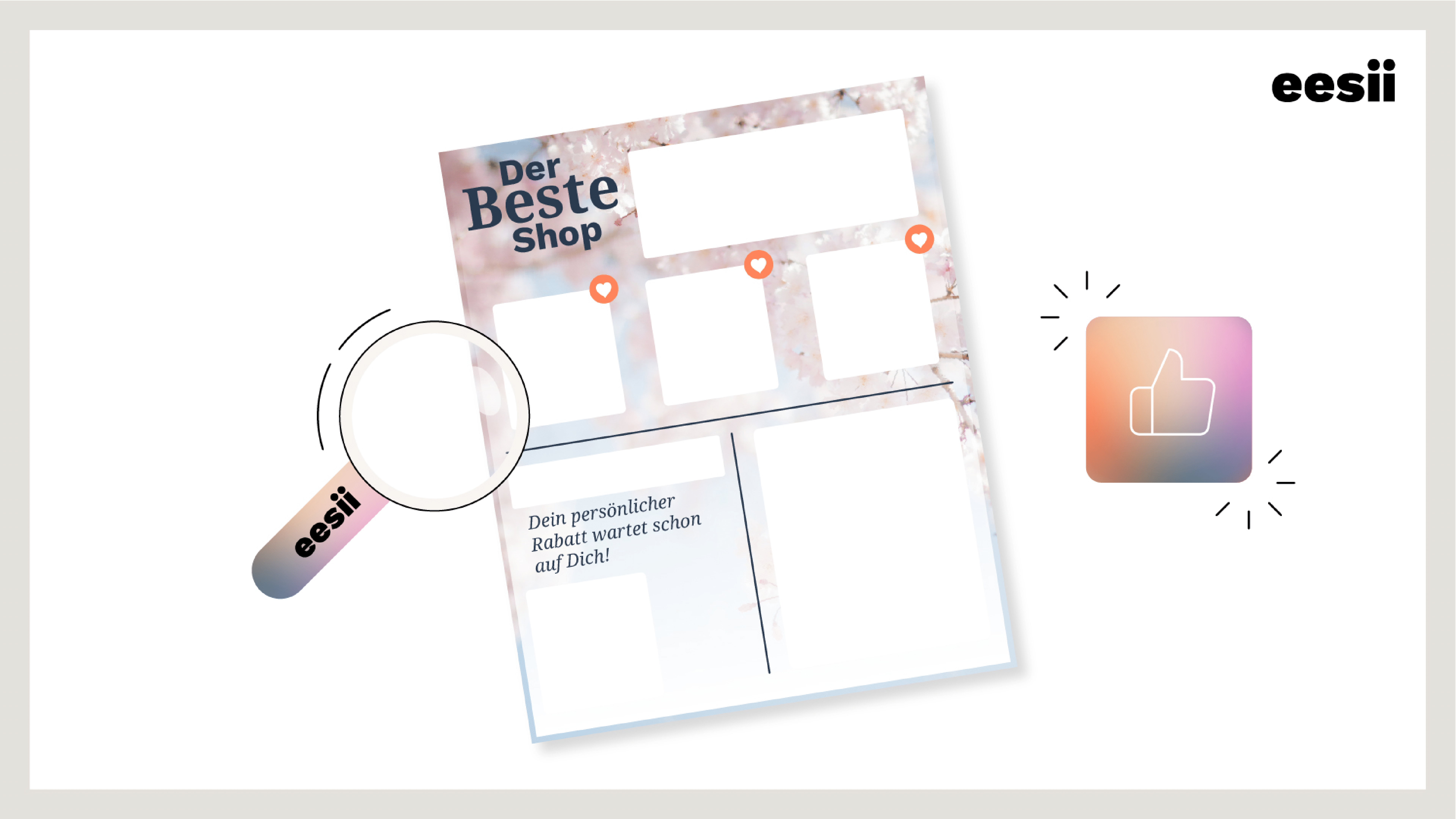
Events with high purchase intent or a high risk of churn work especially well as triggers for print mailings. Proven triggers include abandoned carts, sign-up and welcome, reactivation, contract renewal, loyalty occasions and birthdays. The keys to success are a clear occasion and prompt delivery, so that the mailing is perceived in connection with the event.
- Abandoned cart: a few days after the abandonment, following an email reminder. Content: abandoned products with images, incentive to complete the purchase
- Sign-up / welcome: after registration or the first purchase. Content: welcome, brand promise, voucher for a second purchase
- Reactivation: after a defined period of inactivity. Content: personal offer based on purchase history
- Contract renewal: before the contract ends. Content: renewal offer, benefits at a glance
- Loyalty: when status changes or a points threshold is reached. Content: status update, exclusive benefit
- Birthday: shortly before the birthday. Content: birthday wishes with a personal gift
Combining print with digital channels is particularly effective. First, an email or messenger message goes out. If there's no response, the print mailing follows automatically a few days later. This way, you use the speed of digital channels and the attention a physical mailing gets in the letterbox.
Best practices for automated print mailings in the CRM
Automated print mailings succeed when you start with a clearly measurable use case. High address quality and well-coordinated channels are just as important. Measure success from the very beginning with a control group. The following ten best practices have proven themselves in practice.
- Start with one use case: Choose a trigger with enough volume and a clear success metric, for example abandoned carts.
- Ensure address quality: Check addresses regularly so that as few mailings as possible are undeliverable.
- Define data fields: Before you start, decide which fields feed into the personalisation and which fallback values apply if a field is empty.
- Plan a control group: Only a comparison with a group that receives no mailing shows the additional revenue.
- Coordinate channels: Set the order and timing relative to email, push and messenger. Print often works best as the second or third touchpoint.
- Limit frequency and volume: Set a maximum per person and period, even if several triggers fire at the same time. A maximum volume per trigger also keeps costs under control.
- Respect advertising objections: Connect suppression lists so that they take effect before production.
- Use personalisation purposefully: Show specific products, prices or benefits rather than just the name.
- Build in measurability: Use individual voucher codes, QR codes and personalised landing pages.
- Bring results together: Regularly match redeemed codes and orders from your shop or CRM against the recipient list, and optimise triggers, timing and content on that basis.
Case study: Takko Holding
Takko Holding uses eesii for trigger-based direct mail. Besides the platform itself, the company particularly values the support from the eesii team:
"With eesii, we don't just have a programmatic print tool for the trigger-based control of our direct mail – the team supports us throughout the entire process and brings years of printing expertise to the table."
Tobias Stork, Head of E-Commerce & CRM, Takko Holding GmbH (translated from German)
Which providers enable the integration of print into CRM systems?
In Germany, print integration into CRM systems is mainly offered by specialised direct mail automation providers, including eesii and optilyz. The key difference lies in which systems are connected as standard. So first check whether there's a standard integration for your CRM or marketing automation.
- eesii: 14 integrations, including a native connection to Salesforce Marketing Cloud and standard integrations for SAP Engagement Cloud, Klaviyo, Dymatrix, Apteco, Maileon, Optimizely, Voyado, BSI, Iterable, Insider One and Hightouch. A hybrid integration is available for HubSpot. Other systems can be connected individually via API and webhooks.
- optilyz: according to its own information, integrations with Salesforce, Braze, Dymatrix and Maileon, among others, plus webhooks and REST API.
You'll find a detailed comparison of providers by model, formats, integrations and data protection in our market overview.
Frequently asked questions about integrating print mailings
How long does the integration into my CRM take?
With a standard integration, usually just a few days. After that, you can quickly start your first test campaigns. For individual system landscapes, the time depends on the existing interfaces.
Do I need my own IT resources?
Usually, only minimal technical effort is required. eesii provides the necessary documentation and supports you during setup.
Can I trigger individual mailings or do I need large volumes?
You can trigger individual, trigger-based mailings. To reach discounted postage rates, eesii bundles mailings via variant campaigns. You set the sending interval and maximum volume in the trigger settings.
How quickly does a trigger-based mailing arrive?
That depends on the scheduling in your campaign. The fastest possible delivery is 4 working days. Plan this lead time into your journey so that print and digital channels fit together.
How can I see whether a mailing was delivered?
In eesii, you can see the shipping status and delivery for each campaign. The delivery information depends on data from Deutsche Post. Campaign-specific reports are also available.
Is the integration GDPR-compliant?
Yes. eesii works in compliance with the GDPR, all data is processed securely and stored exclusively in certified data centres. Make sure advertising objections from your CRM are connected so that they take effect before production.
Does this also work for international campaigns?
Yes. eesii has a network of international printing and shipping partners and localises campaigns for other countries.
Conclusion: print becomes a channel like any other
With a direct mail automation platform, print becomes another channel in your CRM. It responds to the same events, uses the same segments and can be evaluated just like an email. First check whether there's a standard integration for your system, then start with a measurable use case like abandoned carts.
Want to see how eesii works with your CRM? Book a free tour of the platform. Our team will show you in a personal demo how the integration works.